Detect a language from a string in C#.NET

Let's say you have a simple string in any language as your business forces you to let the client enter so you need to detect the language of the respected string at run time. We might have the varity of ways to solve solve this problem , but as a lazy .NET Developer, I am going to introduce a very simple Nuget tool to do job for you in less than a second.
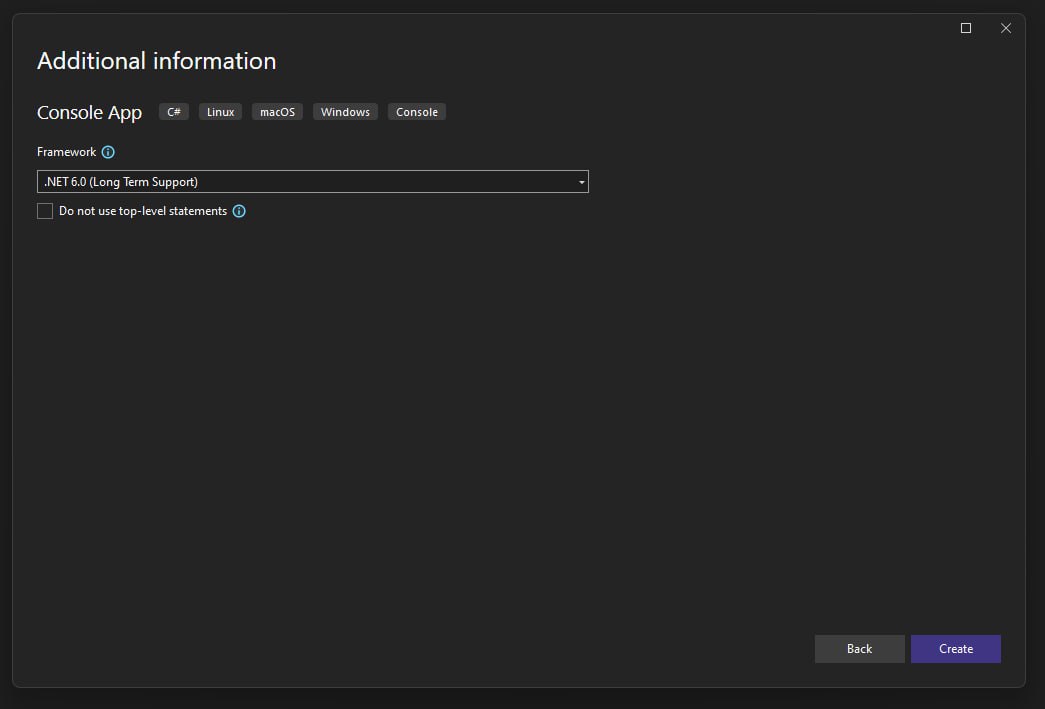
First of all, create a simple Console Application in Visual Studio or in/by any IDE you want. Like below screen. 👇

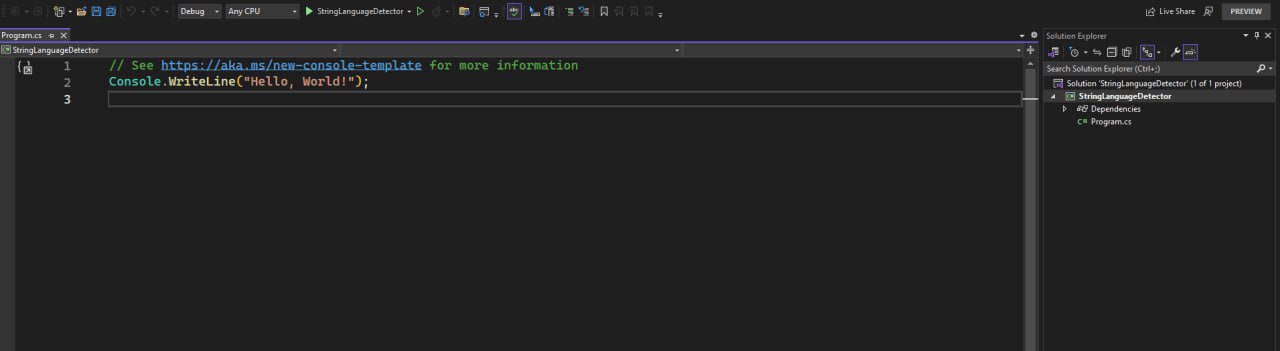
then you would have a simple solution like what I have shared below. 👇
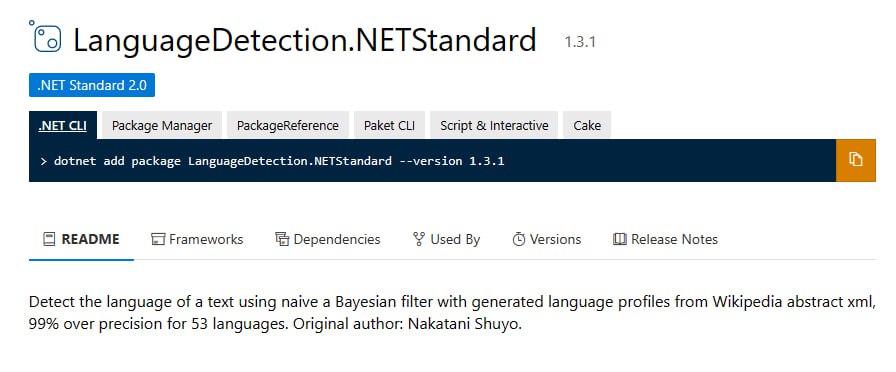
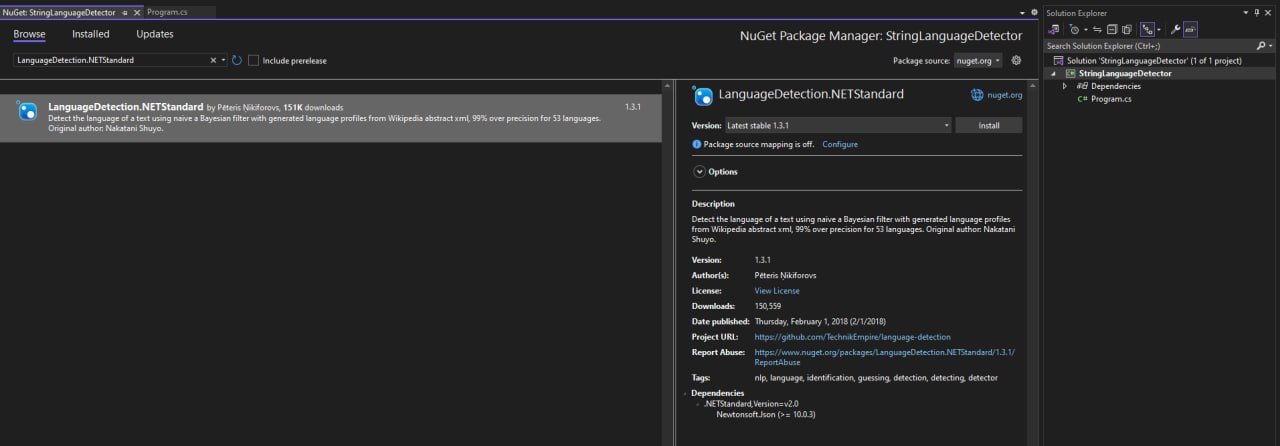
The next step is adding LanguageDetection.NETStandard Nuget package to the solution.
To make the long story short, just go through the simple piece of code that I have written.
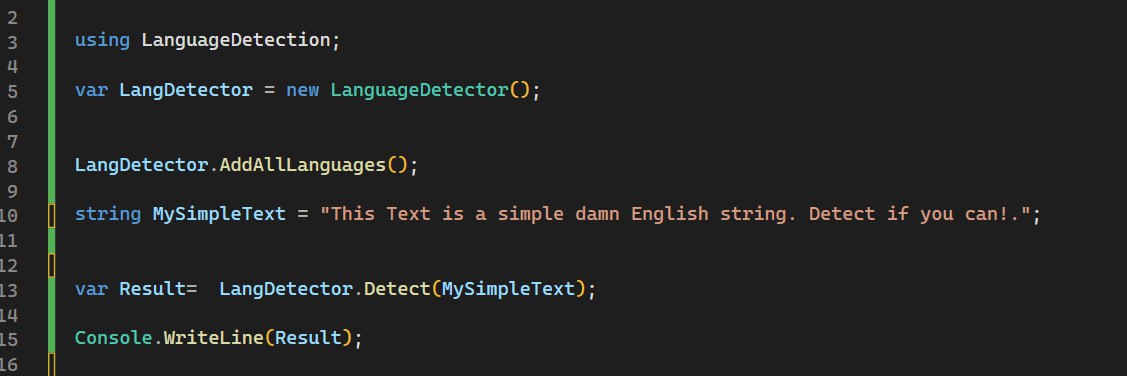
As you can see, the result is not bad.
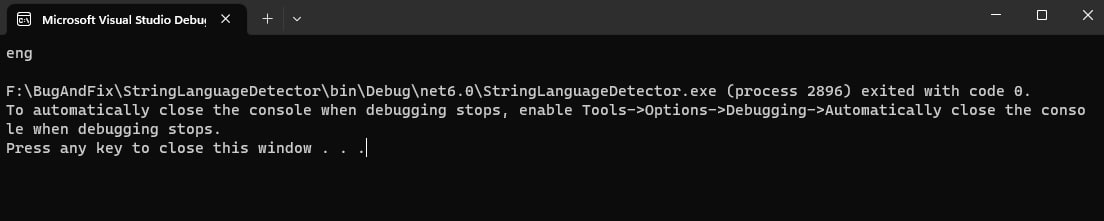
but if I try a different language ?. Something like Persian might be a little bit tricky!. Let's see.

Not bad !.
Since you guys are totally lazy to write even 3 lines of code, I do share the code with you below.
using LanguageDetection;

var LangDetector = new LanguageDetector();


LangDetector.AddAllLanguages();

//string MySimpleText = "This Text is a simple damn English string. Detect if you can!.";

string MySimpleText = "این یک متن فارسی ساده است. اگر مردی، این را تشخیص بده";


var Result=  LangDetector.Detect(MySimpleText);

Console.WriteLine(Result);
That's all.
Enjoy C# development for ever...
About the author
- Bug & Fix is where AI concepts meet real-world software engineering. We break down modern development, intelligent systems, tools, architecture, and emerging technologies into practical insights for developers who want to build better software and stay ahead.
Comments
Join the discussionNo comments yet. Be the first to comment.